Custom Art Plotter (CNC FluidNC) and a G-Code Art Tool Box
David Avery
November 28, 2026
Creating for myself an Art Plotter and a custom toolbox program to allow me to create G-Code for 'art'...
# A simple project for some fun...
Well, several weeks later anyway, it works! I honestly thought this would be quick and simple to make, but ended up going full project creep, with tons of features I will probably never use. I am happy with it generally, though there are some things that need fixing. I tried to keep the design simple, but the devil, as always, is in the detail, and that meant I did make a lot more revisions than I expected. The whole machine was designed from scratch.
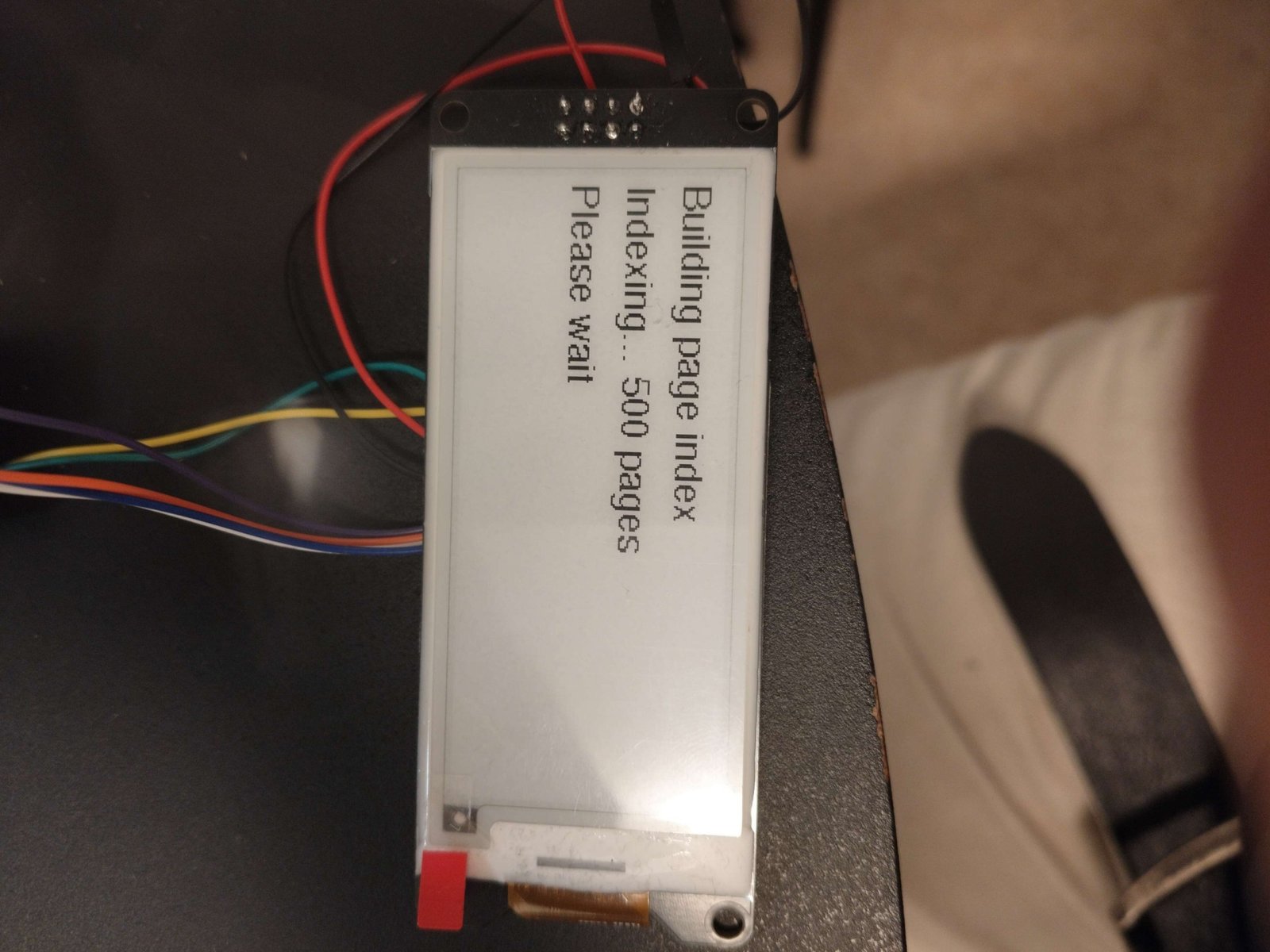
The idea was simple enough: use a table as a platform for an art machine. It's already stable and flat, so then just pull things out of my stock cupboard. The only thing I was going to buy was the control board because I wanted to test out FluidNC properly. Which I can say is excellent. Once I had everything updated, it worked great, and being able to control it wirelessly, compared to all my previous projects using GRBL, is such a luxury. Not being physically tied to a machine is great.
I am on a corporate Wi-Fi network in my building, so I chose to directly connect my computer to the controller using a spare dongle. However, it can be located on networks if you are able to connect directly, so providing SSID credentials to the FluidNC controller allows it to sit on your network and be controlled, which is so nice.
I have plans to upgrade this to V2, as after seeing my first paint attempt, I am now waiting on some better brushes. I was hopeful I could get by with some random ones I had from years back, but they were stiff and did a terrible job of grabbing paint and distributing it.
When it's working with a pen and pencil, it's good. During my first test, I hadn't even added a spring to control the pressure on the tip, and drew onto an odd paper that has lots of raised corrugated-like lines. It still managed to make a pattern accurately.
That said, the machine is far from perfect at the moment. Whilst I wait for the better brushes to arrive, I am working on a better way to swap brushes and add a spring dampener. The current head design, whilst good at centring different tips to the same point, only supports the brushes and pens far from the canvas. With that distance, the pen or brush can deflect under pressure.
The software is where the real fun is. It's built in Rust and has a ton of features. There are two primary paths to follow to create code.
The first starts with raster images and can separate images based on colours and shapes, as well as convert colour blocks into dots or groups of circles as assets. All converted images become assets that are either singular or groupings. These assets can be further manipulated and added to canvases to make compositions in later stages, in the consolidation canvas tab.
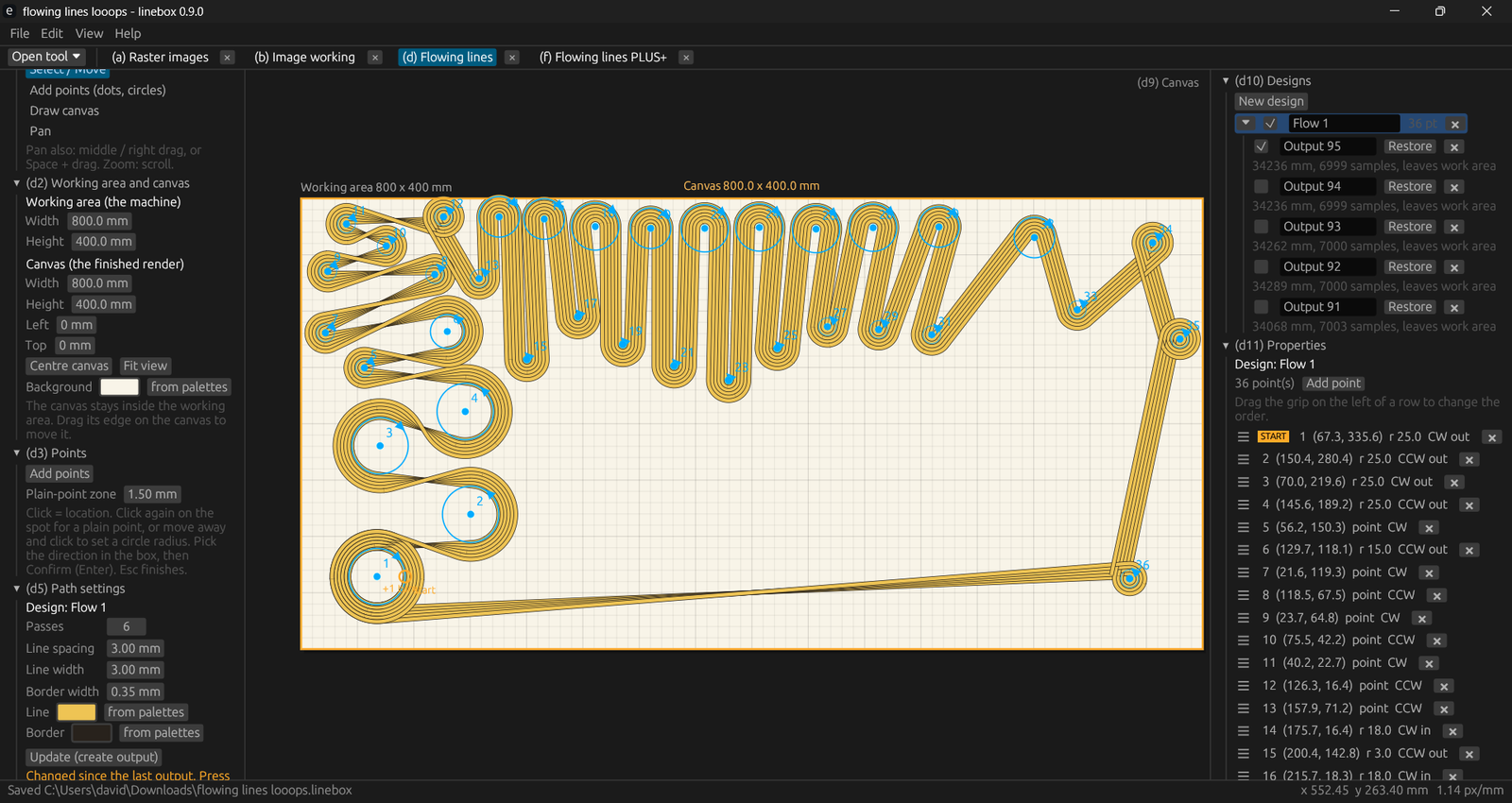
The second fully implemented method currently works in two steps and is called Flowing Lines.
Part one of Flowing Lines can create vector shapes and assign them as assets to the Flowing Lines main workspace. Shapes can be anything, including circles, lines or polygons, splines, etc. Everything is fully editable. The shapes tool makes sure that whatever shape is made and converted into an asset for the Flowing Lines tool only allows the external lines, so anything that is internal to the shape is cut off. If a shape is not closed, it counts as a path, which is also valid.
In the main Flowing Lines workspace, you have a canvas and can add in the previously created assets: shapes, dots or circles. You can add in as many as you want and repeat them as often as you want.
Once the canvas is populated with shapes and arranged satisfactorily, you can create flowing paths that flow around them. There is an order that defines the path's route from asset to asset. You can change the order of the assets, therefore changing the path's route. The path goes from 1 to N and then from N back to 1. The path then repeats a set number of times, as defined by the user, with an offset applied each time.
The paths either take natural paths from tangential points or use specified entrance and exit angles. This is possible for each asset in the composition. I can also force full trips around assets, either once or multiple times. Lines can be expanding or contracting on assets too, which allows for greater styles and more freedom in designs.
Once a path is generated, it can be passed to the next stage, which is the consolidation canvas.
The consolidation canvas is like a collage, a way to take all the assets created and make a final composition, choosing which pieces and where they go. When a consolidation is marked 'ready for G-code', it creates a final group asset that becomes available on the last tab.
The final tab is the G-code generator. It produces G-code which is readable in GRBL and FluidNC. It acts as a go-between for the art and the machine, allowing me to programme in the working sizes of my machine as presets or as custom sizes. I can set the usual suspects, like retraction, homing mode, offsets and the position of the canvas on the machine. So, when I set it, I know exactly where my piece will be made, with no guessing. I can also create outline programmes to make sure I have positioned the workpiece correctly before committing to start.
The last little feature I created is the Palette tab. With it, I can create or grab colours to make palettes and use them in the designs, as well as see suggestions for complementary colours to create whole sets of colours for work. I can then apply them to the lines and vectors in the design process to get a better understanding of what the final piece is heading towards.
## Plans for V2 of the machine include:
- A way to dispense paint, both in bulk and in individual quantities. Syringes with a motor attached to a threaded bar to squeeze out controlled amounts. I would like to explore the styles of painting that use thousands of dots.
- A way to rotate the brushes and pens would be great.
- A tool changer.
## Software V2 plans:
- Voronoi cells.
- Loop paths that expand or contract instead of the continuous path. This would actually solve some angle problems on paths.
- Dot clusters and super clusters.


Newest
CCC - Consumer CNC CAM
Rust Language - Mind Mapping Software